Inventory Management
Procurement
Method Pay
Analytics & Reporting

Most dental practices spend 2+ hours per week creating supply orders. Walking through storage rooms with clipboards. Checking multiple supplier websites. Double-checking what was already ordered. Verifying prices across vendors.
One practice recently cut their ordering time from 9 hours to 3 hours. Others are doing even better.
The difference? They stopped manually typing product names and skus into their supplier portals and started scanning QRcodes of the products they needed automatically creating a reorder cart for them.
No excel sheets or checklists. No checking the supplies they needed, visiting their supplier portals, checking past orders, SKU numbers, or typing anything in. They simply had to scan what they needed and it showed up in their cart.
This article explains exactly how barcode scanning works for dental supply ordering, which scanning method fits different practice types, and how to implement a reorder system thats simple and gets rid of the inventory dread the team feels.

Supply ordering consumes hours because of how the work breaks down:
You move between operatories, storage rooms, and supply cabinets. Visually inspect what's running low. Write items on paper, check them off your supply sheet, or try to remember them.
Log into 5-10 different supplier websites. Search for each item by name or product number. Deal with search results that don't match what you need. Re-enter information you've already looked up before.
Check the same item across multiple suppliers. Verify you're getting the negotiated price. Calculate which supplier offers the best deal after shipping.
The process repeats weekly. That's 2-3 hours just on supply ordering which increases . Time that could go toward patient care, team development, or practice growth.
And that's assuming nothing goes wrong. No duplicate orders. No missed items. No emergency rush orders because something critical wasn't reordered.
For practices with multiple locations, multiply these numbers by each site. A three-location practice can easily spend 24-30 hours monthly on supply ordering alone.
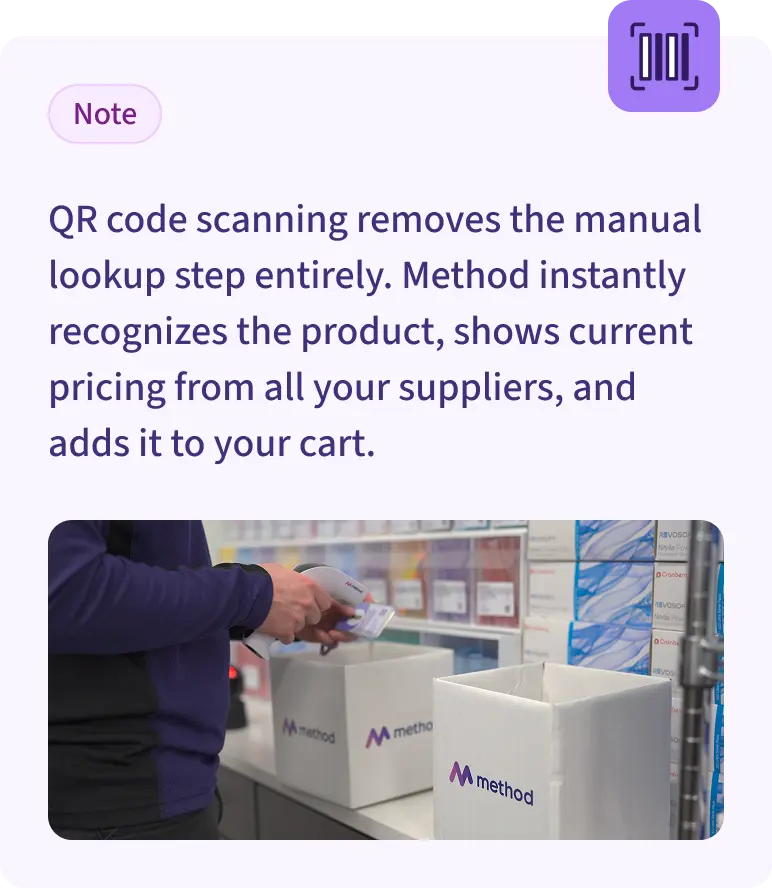
QR code scanning removes the manual lookup step entirely.
Instead of searching for "composite syringe A2" across five supplier websites, you scan the box. Method instantly recognizes the product, shows current pricing from all your suppliers, and adds it to your cart.
The process becomes:
Total time: 10-15 minutes for most practices.
The setup takes minutes, not hours.
Method generates unique QR codes for every product in your catalog. You can:
Method supports different scanning approaches because not every practice operates the same way:
Most practices start with Scan to Cart because it requires the least behavior change. You're still doing visual checks. You've just replaced the manual typing.
Log in to Method on your mobile device or tablet and enter the scanning screen. Point it at a QR code and it automatically adds the item to your cart. No additional hardware required.
Cost: $0
Plug-and-play USB scanners work with any tablet or computer. Keep one in your supply area, leave Method open on the screen, and scan as needed.
The same scanners retail stores use for inventory. Connect via USB. Point and click. Items appear in your cart.
Cost: $30-50
Wireless scanners that work like the ones in retail stores. Scan anywhere in your practice, data syncs automatically. Walk through operatories with the scanner in hand. Everything updates in real-time.
Cost: Method provides these to practices implementing full inventory tracking
You probably already have everything you need. Most practices start with a tablet they already own and a $40 scanner from Amazon.
The technology is the same retailers have used for decades. Dental practices just haven't had procurement software that made it practical.
One practice we worked with was collectively spending 10 or more hours every two weeks across two locations on supply ordering. Three people were involved. Orders still had mistakes.
They implemented Method's scanning system:
Current ordering time: ~1 hour per week.
The system worked because they didn't try to change everything at once. They started with high-volume items. Added more over time.
Let staff get comfortable with scanning before expanding to full inventory tracking.
Your implementation can be even simpler. Export your current catalog with QR codes. Print it. Keep it in your supply area. Start scanning.
No. Method works with your current suppliers. The scanning system just makes ordering from them faster. You're not switching vendors. You're changing how you find and add items to orders.
Yes. Any item in your catalog can have a QR code. Custom products, equipment, specialty materials. If you order it through Method, you can scan it.
Both work reliably. Dedicated scanners are faster because you don't need to hold steady while the camera focuses. But camera scanning costs nothing to try.
In practice, most teams prefer dedicated scanners once they start using the system regularly. The speed difference adds up over dozens of scans.
Yes. Each user's scans go to their own cart or to a shared practice cart, depending on your setup. Multiple team members can build the same order simultaneously. Or create separate orders for different suppliers.
Scan it. Add to cart. Order immediately. The system supports both scheduled ordering and ad-hoc emergency orders. Keep the scanner accessible. Staff can add urgent items without waiting for the weekly ordering session.
You don't need to overhaul your entire procurement process to see results.
The practices saving hours weekly all started the same way. They tested scanning on a small scale. Saw the time savings. Expanded from there.
Method's scanning system is included in the platform. You already have access if you're a current user. If not, schedule a demo to see how it works with your actual product list.